
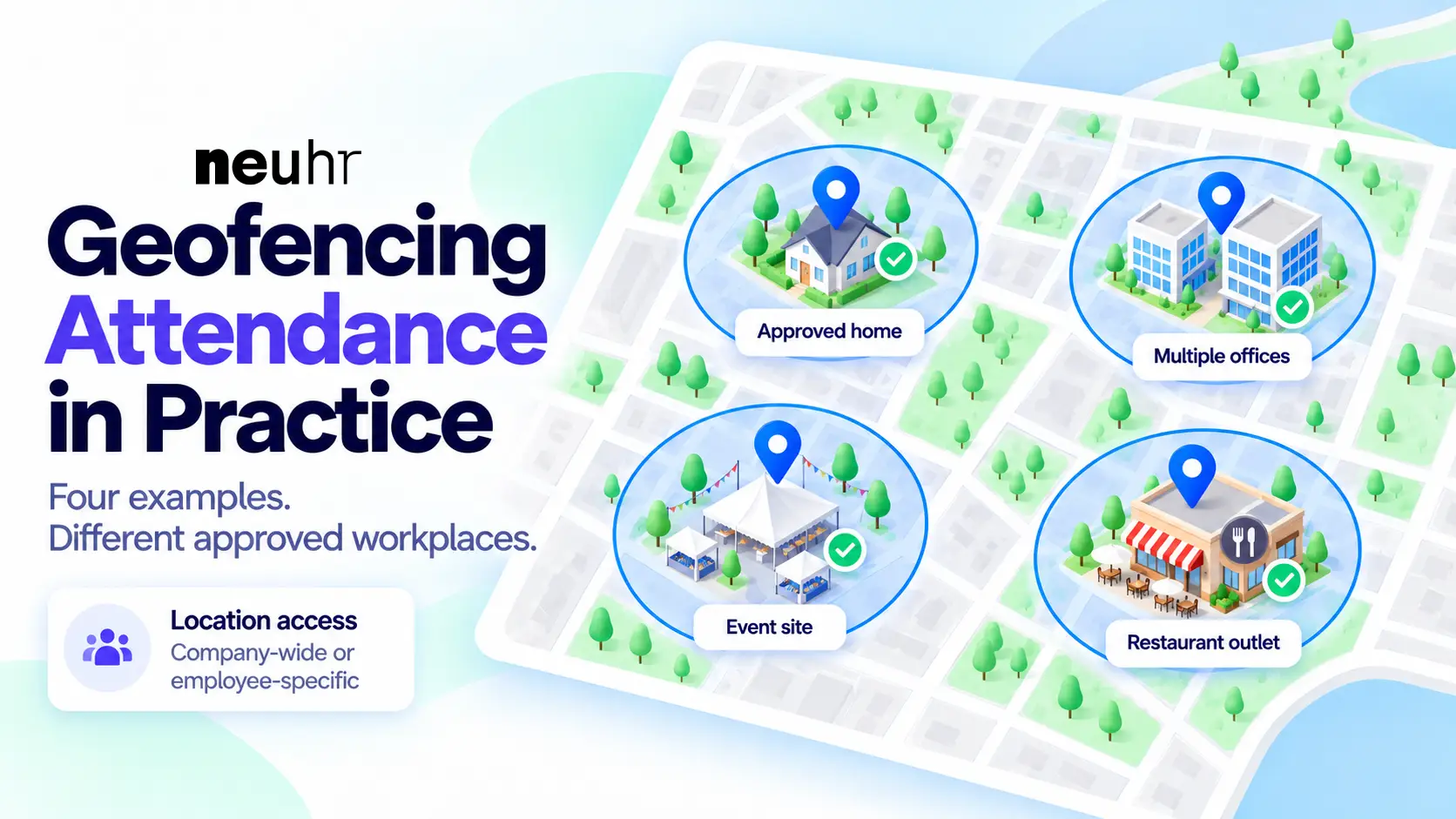
An employee starts the day from an approved home address. Another heads to a branch office, while a team of part-timers reports to an exhibition venue.
For HR, managing attendance across different arrangements means keeping approved clock-in locations aligned with where people are expected to work.
NeuHR geofencing attendance lets HR register approved locations for the whole company or individual employees. This gives businesses a way to accommodate different workplaces within their attendance arrangements, with location captured during clock-in and clock-out only.
New to geofencing attendance? Our guide to geofencing attendance explains how it works, its benefits and its limitations. Below, let’s look at four example workplace scenarios to show how HR can apply NeuHR’s location settings in practice.
Key takeaways
- NeuHR supports different workplace arrangements, including approved home working, multiple offices, temporary event venues and restaurant outlets.
- Approved locations can apply company-wide or to individual employees, depending on who needs access.
- HR manages temporary location permissions manually. Removing a location preserves previous attendance entries and their recorded details.
- Location is captured during clock-in and clock-out only. These checks do not show whether someone worked throughout the day.
Table of Contents
- Employees working from an approved home location
- A company managing attendance across five offices
- Part-time workers at temporary event venues
- Restaurant employees covering different outlets
- Putting the location arrangements into practice
- Make your attendance setup fit where your team works
- Frequently asked questions
Scenario 1. Employees working from an approved home location
A company allows an employee to work from home two days a week and go to the office on the other days. HR needs to include both places in the employee’s attendance setup.
HR can add the approved home location to the employee’s NeuHR profile. This makes it available only to that person. The employee can have multiple approved locations, so both home and office can be included.
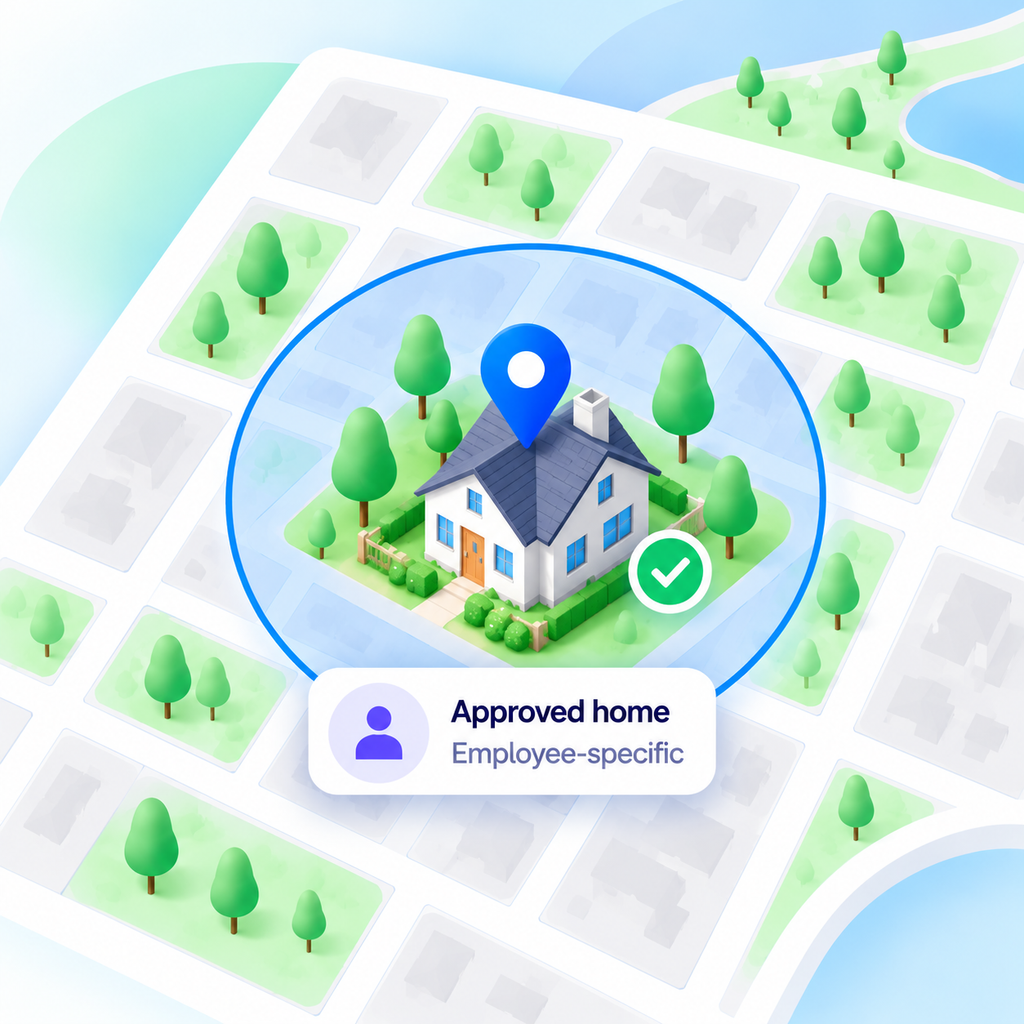
The employee can then follow NeuHR’s clock-in and clock-out process from either approved location. HR will have a clear record of which places are allowed without making the home address an attendance location for everyone.
The home location does not automatically become available only on scheduled home-working days. HR must manage approved locations separately from work schedules.
NeuHR only captures location during clock-in and clock-out. These checks show the reported location at those times. They do not show whether the employee stayed home or worked continuously between the two entries.
Scenario 2. A company managing attendance across five offices
Imagine a business operating with a headquarters and four branch offices. Some employees work mainly at one branch, while others regularly travel between offices for meetings and operational support.
If headquarters is the only registered attendance location, the setup will not reflect where those travelling employees legitimately work. HR needs to decide which offices everyone may use and which should be available only to particular employees.
With NeuHR Attendance, HR can register offices at company level or under individual employee profiles. A company-level location applies to all employees. An employee-specific location applies only to that employee.
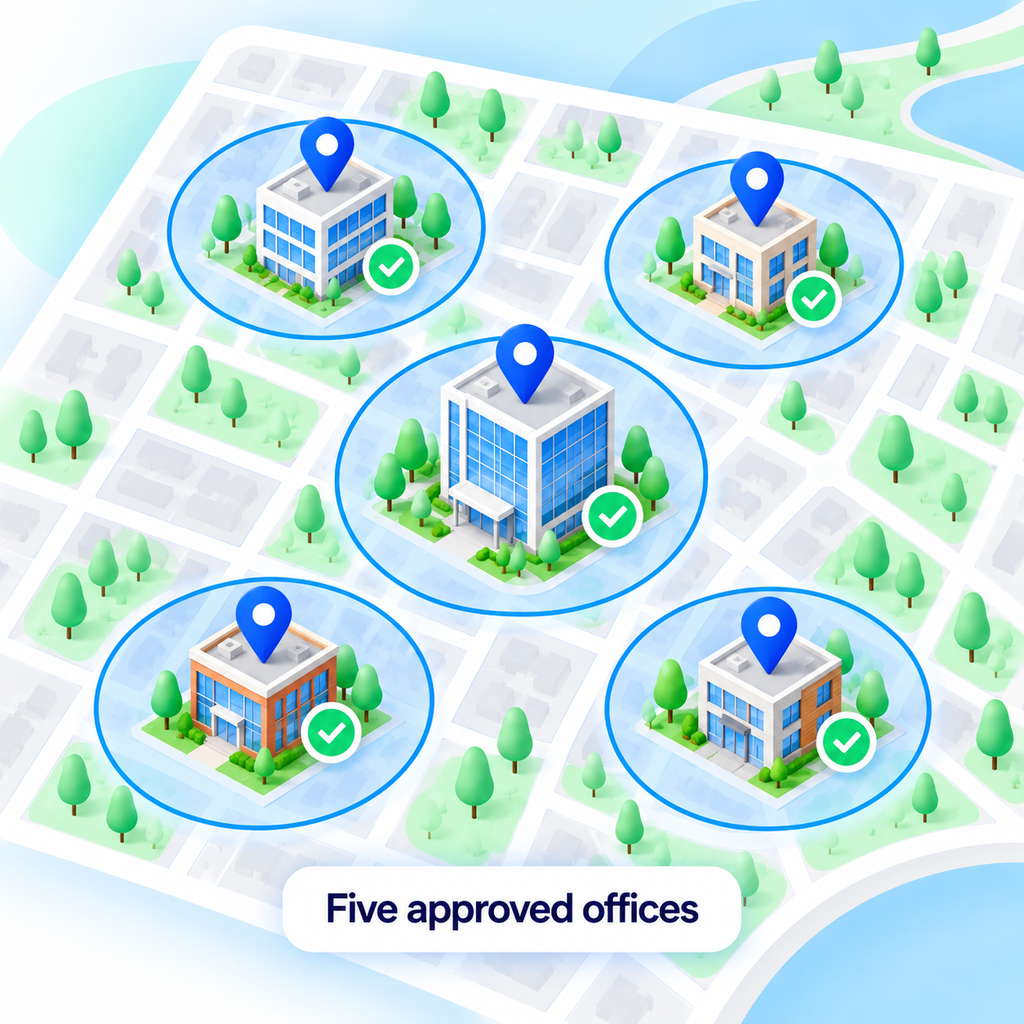
If everyone can record attendance at all five offices, HR can register them at company level. If access should be limited to certain employees, HR can add the relevant offices to their individual profiles instead.
This helps HR match attendance permissions to the business’s actual working arrangements. Employees who move between approved offices can have the relevant locations available before they arrive. Permission to record attendance at an office remains separate from the work schedule that determines when they are expected there.
Scenario 3. Part-time employees at temporary event venues
An events business hires part-timers for a weekend exhibition. The team will report directly to the venue, while the company’s permanent employees continue working at its usual office.
HR needs to make the venue available to the event team for the assignment and remove access when it ends.
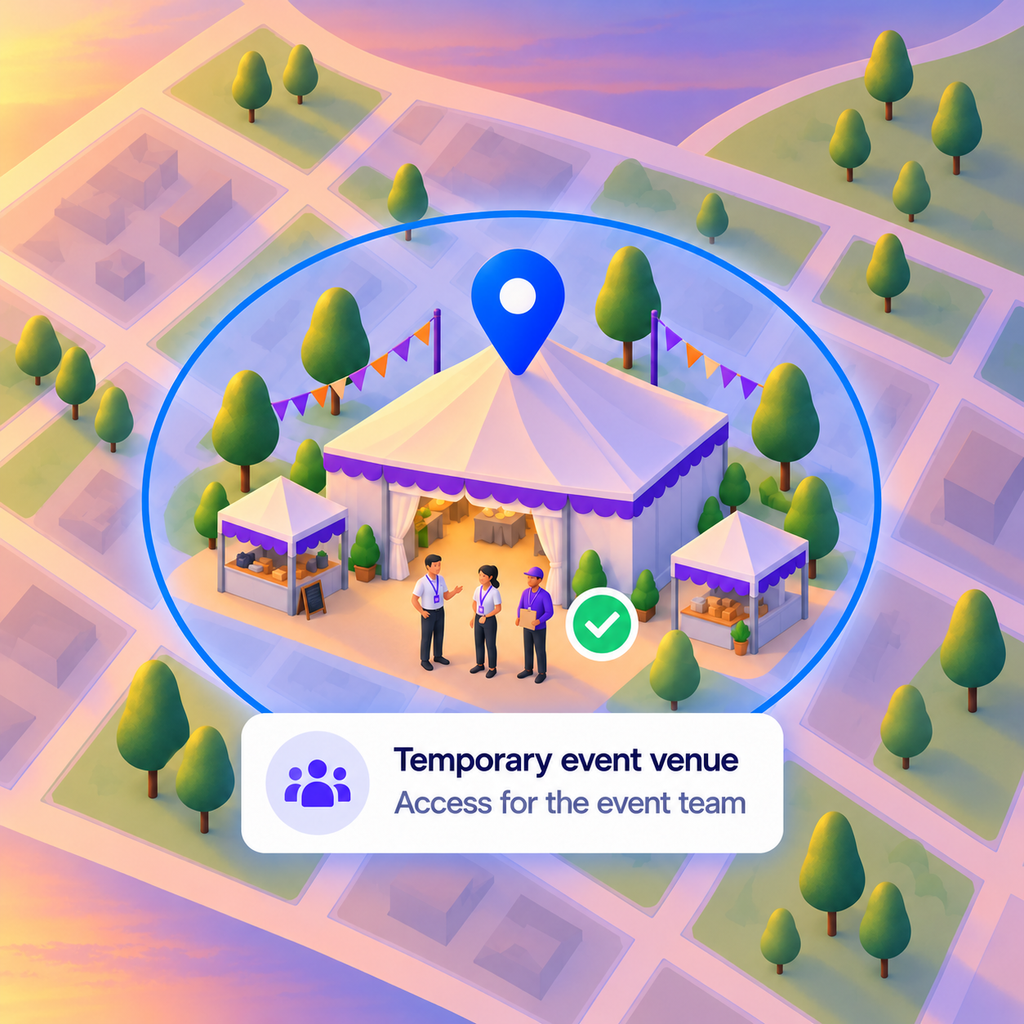
In NeuHR, the venue is registered as an ordinary location. Before the event, HR can add it to the relevant employees’ profiles so that the event team can use it as an approved attendance location. Adding it at company level would make it available to all employees, so the choice should reflect who needs access.
Once the event ends, HR can remove the location when it is no longer needed. Previous clock-in and clock-out entries remain intact, including their recorded location details. The location is no longer available as an approved place for future attendance attempts, which are handled according to the company’s geofencing settings.
This gives HR a practical way to prepare attendance access for a short assignment and withdraw it afterward while keeping the event’s attendance history. The venue does not expire automatically, so someone should be responsible for removing it after the event.
Scenario 4. Restaurant employees covering shifts across outlets
A restaurant chain operates several outlets. An employee usually works at its Tampines branch but is asked to cover the Bedok outlet for three days while another team member is away.
The manager has approved the temporary cover, but the employee’s attendance permissions also need to reflect the change. Updating the work schedule alone will not automatically make Bedok an approved location for that employee.
Before the assignment begins, HR can add the Bedok location to the employee’s NeuHR profile. This makes it available specifically to that person. If the chain instead allows every employee to record attendance at every outlet, HR can use company-level locations for that broader arrangement.
When the three-day assignment ends, HR can remove the temporary location permission if the employee no longer needs it. Previous attendance entries and their recorded details remain intact.
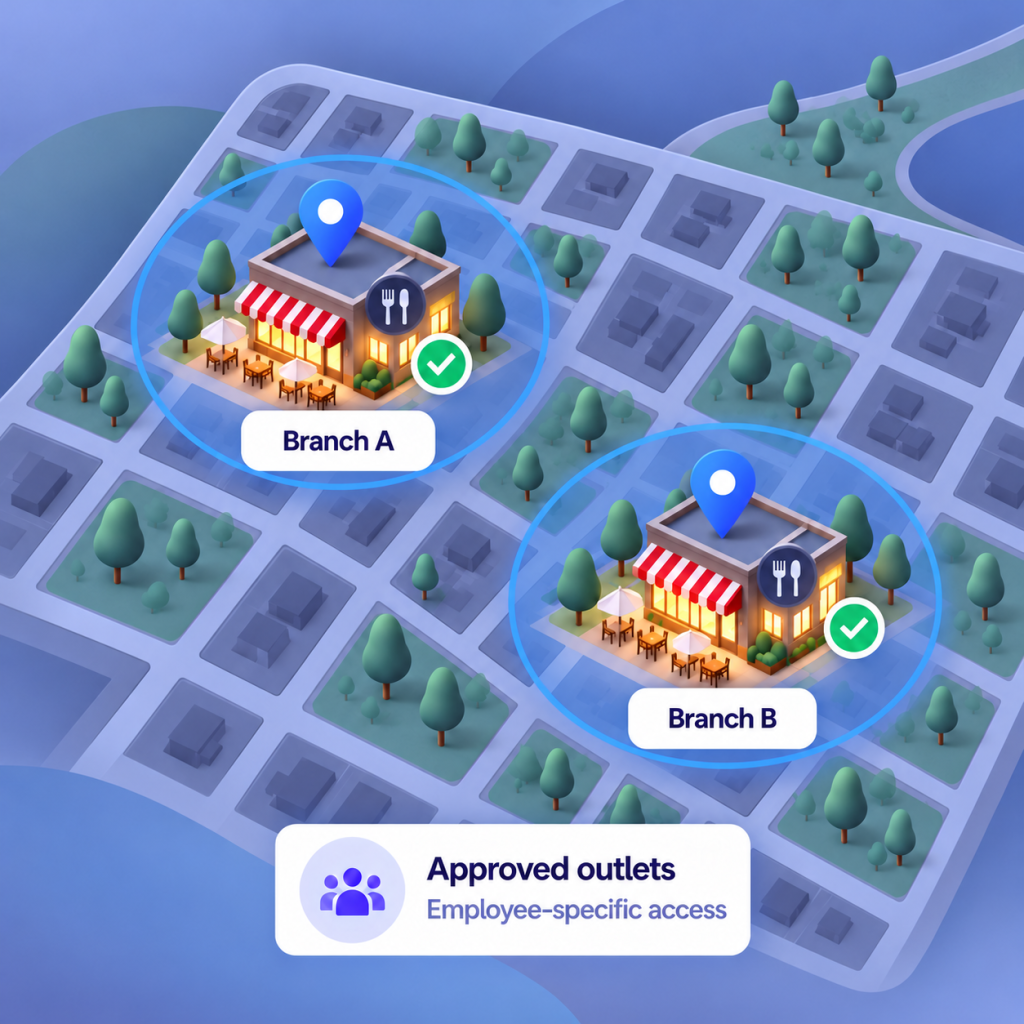
The employee’s approved locations now match the temporary branch assignment. Managers should tell HR about outlet changes before the employee needs to clock in. Changing the work schedule alone does not update location permissions.
Putting the location arrangements into practice
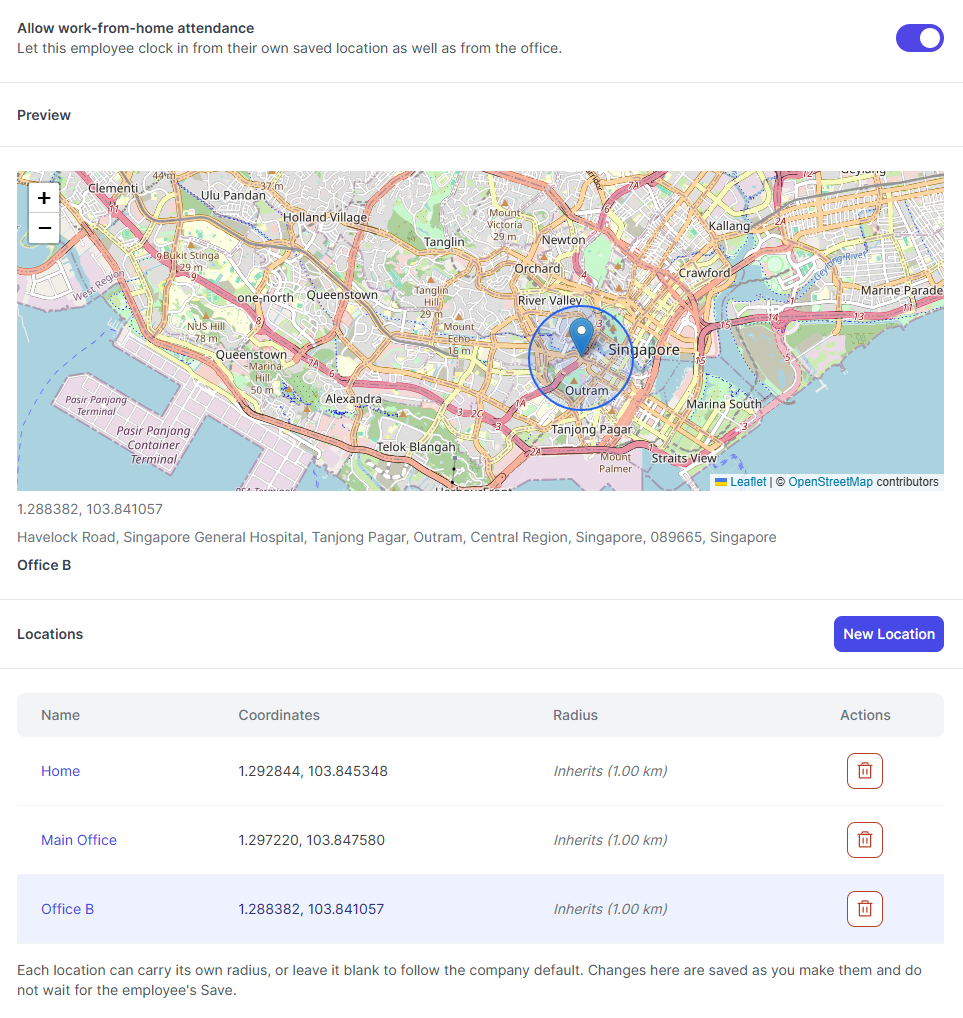
These four scenarios use the same basic approach: HR registers the locations where employees are allowed to clock in and out. The NeuHR screen below shows one employee’s saved locations, including Home, Main Office and Office B, alongside a map preview of the selected location’s boundary.
Before your team starts using geofencing, test clock-in and clock-out at each approved location. Check what happens when someone tries to record attendance outside the boundary.
Make sure employees know where they can clock in and out, how to do it and who to contact if they need help. Simply entering an approved location does not record attendance automatically.
For temporary assignments, such as events or covering another outlet, decide who will add the location before the assignment and remove access afterward.
Explain that NeuHR captures location during clock-in and clock-out, why this information is needed and how it will be used. For Singapore’s data protection requirements, refer to the PDPC’s guidance on data protection obligations.
Make your attendance setup fit where your team works
Managing employees across homes, offices, event venues or different outlets? See how NeuHR’s geofencing settings could support your team’s working arrangements.
Geofencing is available on NeuHR’s Agile, Growth and Scale packages.
Bring your workplace scenario to a demo! We’ll walk you through how the location permissions would apply to your team.
Frequently asked questions
NeuHR handles attendance attempts outside an approved location according to the company’s configured geofencing settings. This applies to both clock-in and clock-out. HR should explain the configured rules and how employees can report a legitimate attendance attempt that cannot be completed.
HR should check the employee’s permitted locations, the registered location and the device’s reported position. The company’s geofencing settings should also be reviewed. If a correction is justified, a NeuHR administrator can create or update the attendance log.
No. Changing an employee’s work schedule does not automatically change their approved attendance locations. HR must manage location permissions separately, including adding a temporary branch location and removing it when the assignment ends.
No. Previous clock-in and clock-out entries remain intact, including their recorded location details. Removing the location withdraws permission to use it as an approved attendance location going forward.
Still have questions about geofencing for your team? Ask us a question.