
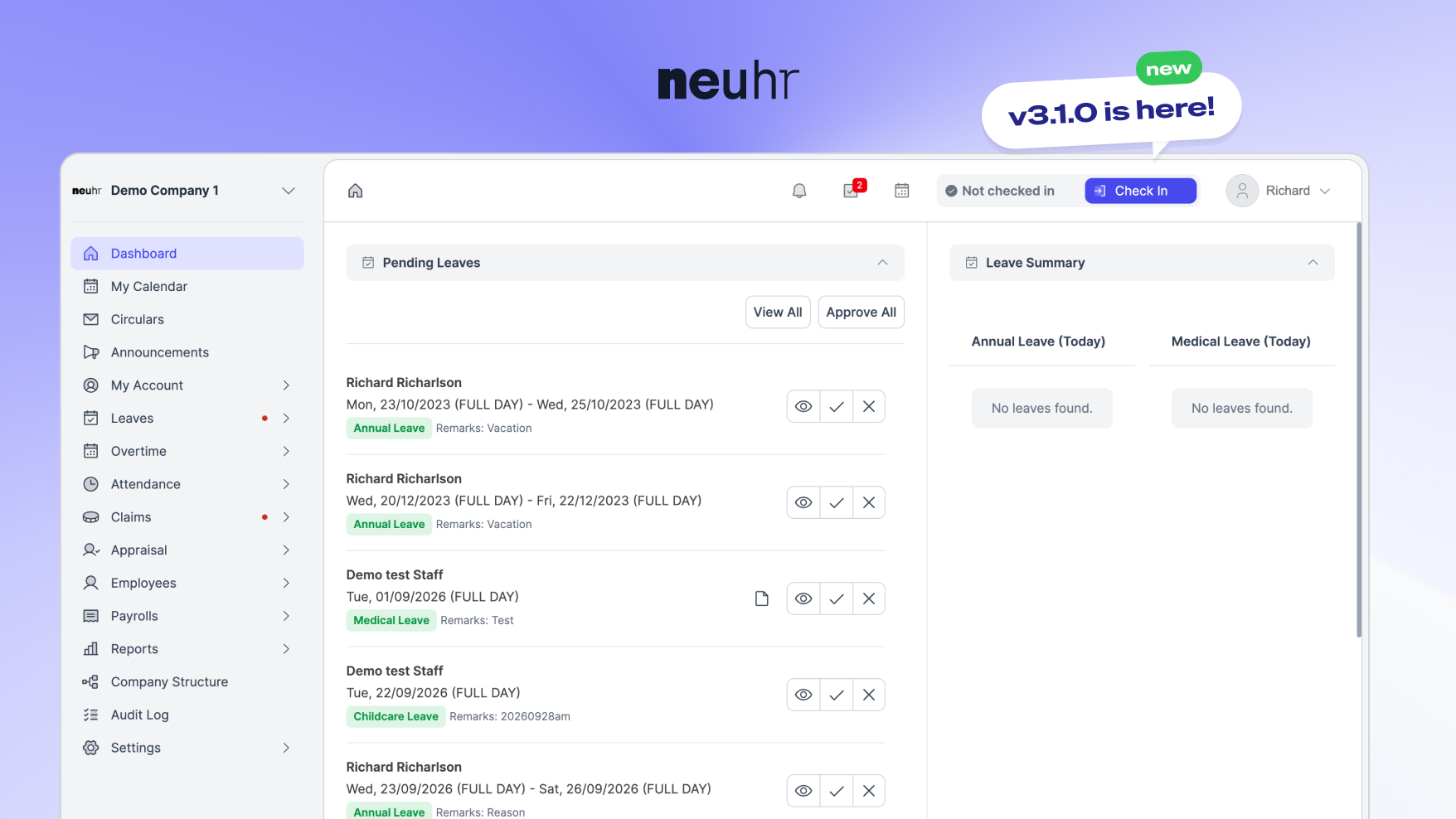
Following NeuHR 3.0.3, which introduced geofencing and multi-location support, this release brings further improvements to attendance and HR workflows. NeuHR 3.1.0 introduces new features and improvements across attendance, device management, leave reporting, payroll, and more.
This update includes clock-in location management, a new My Devices page, more detailed leave reports, and improvements to leave approvals. We’ve also made several updates to the app’s interface, payroll processes, and appraisal templates.
Here’s what’s new in NeuHR 3.1.0.
Clock-in Location Management
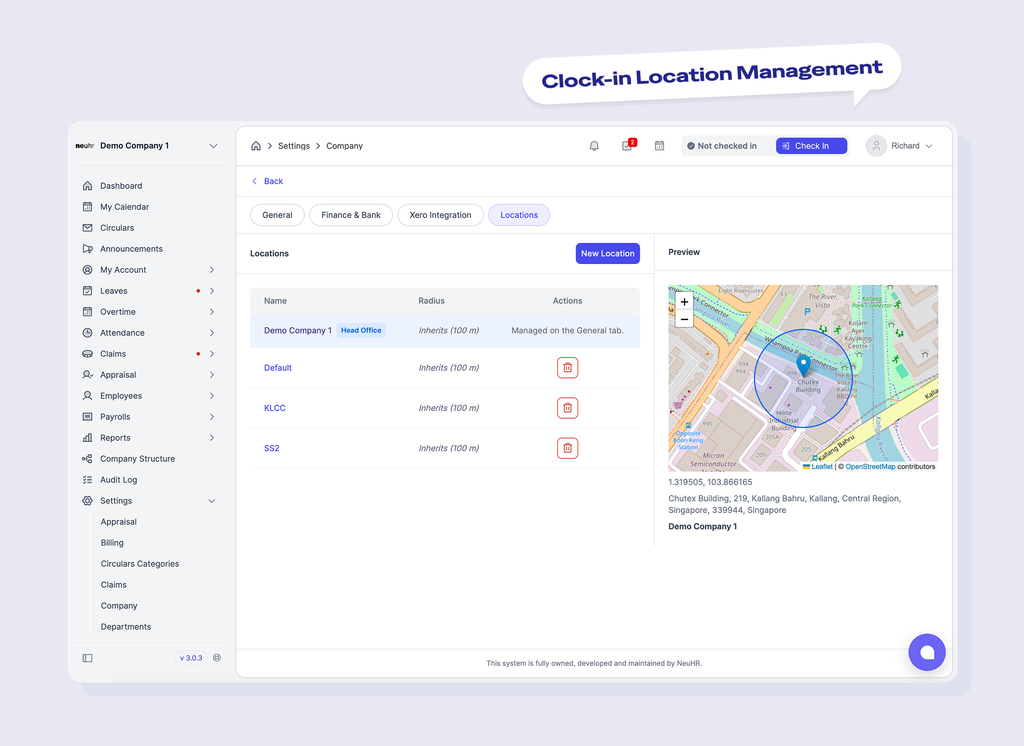
NeuHR 3.1.0 introduces clock-in location management for companies and employees within the attendance management system.
Companies can now manage clock-in locations through the new Locations tab in Company Settings, while employees have access to location management features under the Attendance tab.
Both include place search and map lookup functionality for managing clock-in locations.
The update also adds proof photos for out-of-fence or advised attendance entries, providing supporting information for these attendance records.
New My Devices Page
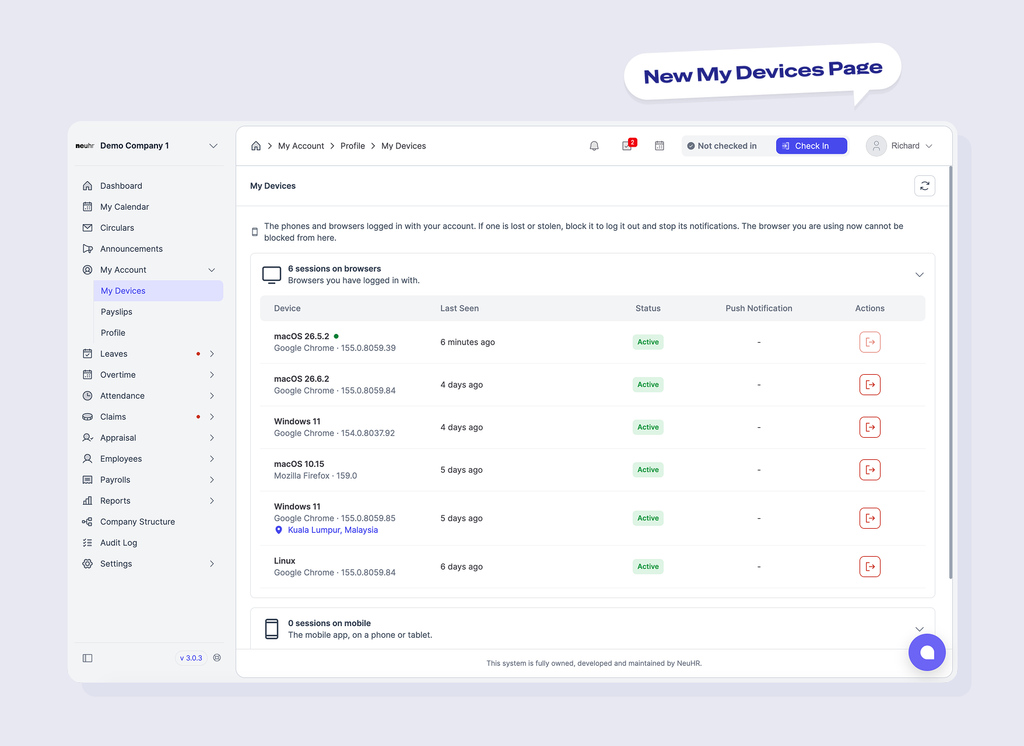
The new My Devices page allows users to view and manage devices linked to their NeuHR account.
With this feature, users can:
- View linked phones and browser sessions.
- Check whether notifications can reach each device.
- View each device’s last location on a map.
- Log out linked devices or browser sessions.
- Block devices when needed.
These options give users greater visibility and control over devices connected to their accounts.
More Detailed Leave Reports
Under NeuHR’s leave management system, leave report exports now include additional information for HR teams reviewing employee leave records.
The updated exports include:
- Leave balance breakdowns: More detailed information about employee leave balances.
- Leave activity history: Records of leave-related activity.
- Employee email: Additional employee contact information.
- Employment status: Employee employment status information.
- Last working day: The employee’s last working day information.
Leave reports now also display a single breakdown column per employee for each leave type.
We’ve also resolved issues affecting leave balances and entitlements, including reports involving deactivated employees and malformed contract data.
Improved Leave Approvals
The leave approval dialog now displays more detailed information, including leave type breakdowns.
Additionally, leave approval is blocked when required documents are missing, helping ensure that the necessary documentation is provided before an application is approved.
Send Announcements and Circulars to Multiple Departments
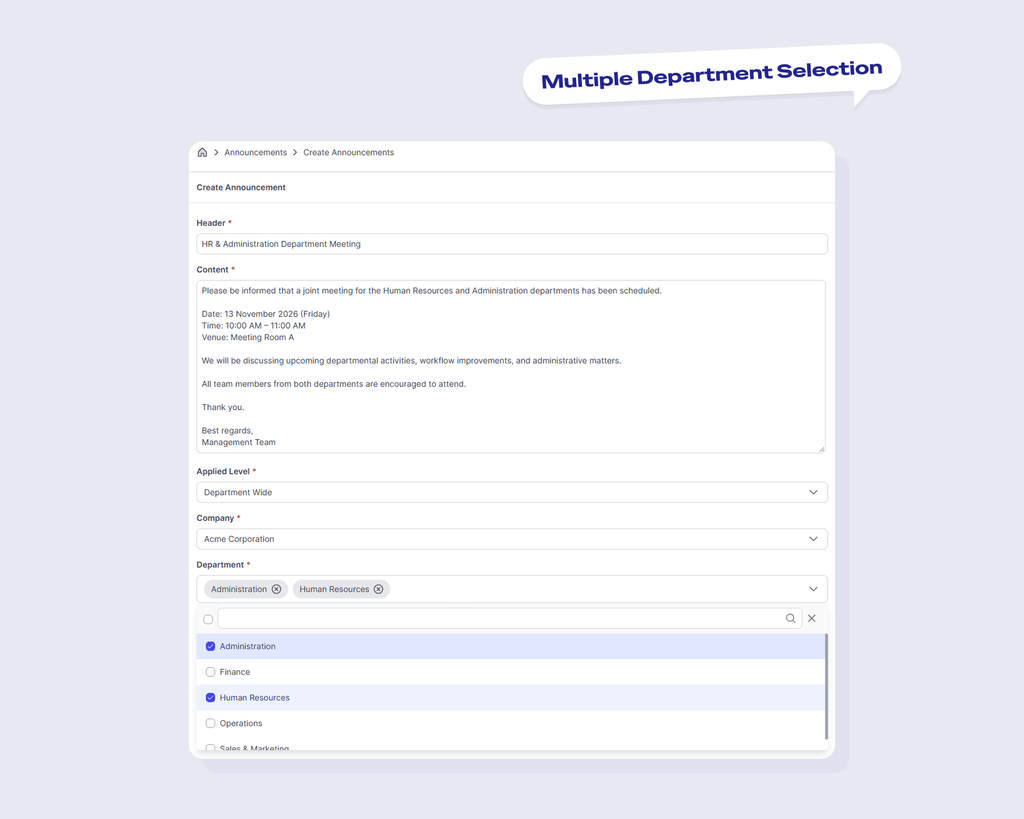
NeuHR now allows users to select multiple departments when creating department-wide announcements and circulars.
Instead of creating separate announcements or circulars for each department, users can select multiple departments within a single announcement or circular.
This makes it easier to share the same information with relevant teams without having to create duplicate entries.
Choose When Your Calendar Week Starts
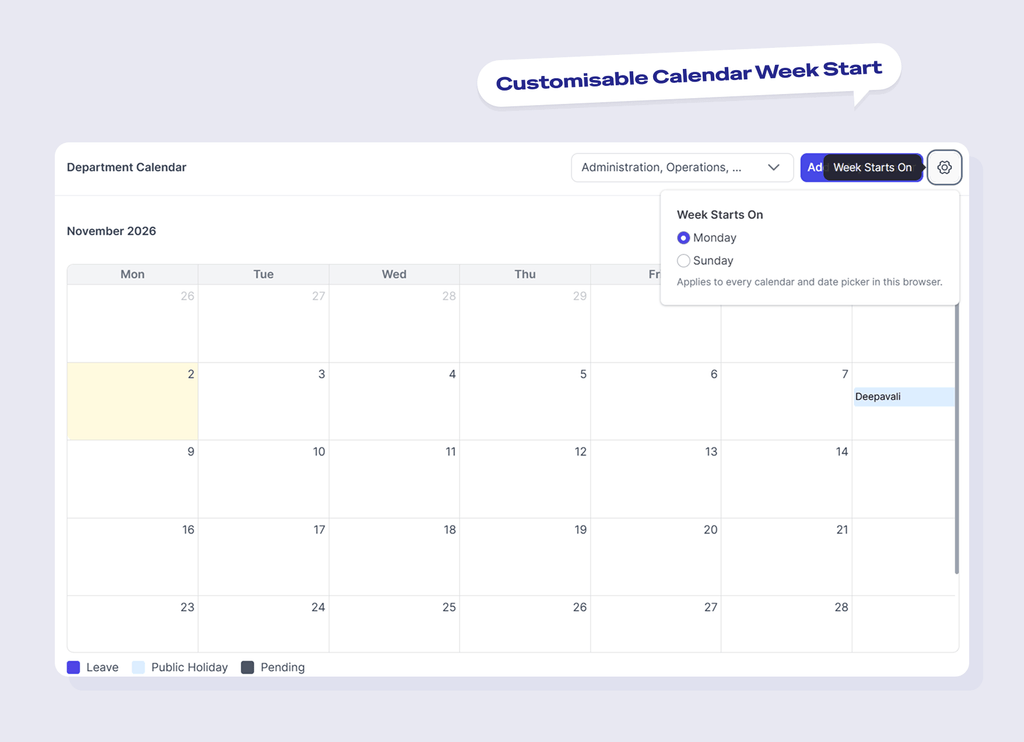
NeuHR now allows users to choose whether their calendar week starts on Sunday or Monday.
This setting applies across the app, including the calendar and date pickers used in leave, claims, overtime, attendance, and other features.
Once changed, the selected starting day will be reflected across all calendars and date pickers in the same browser, providing a consistent calendar layout throughout NeuHR.
More Flexible Half Working Day Settings
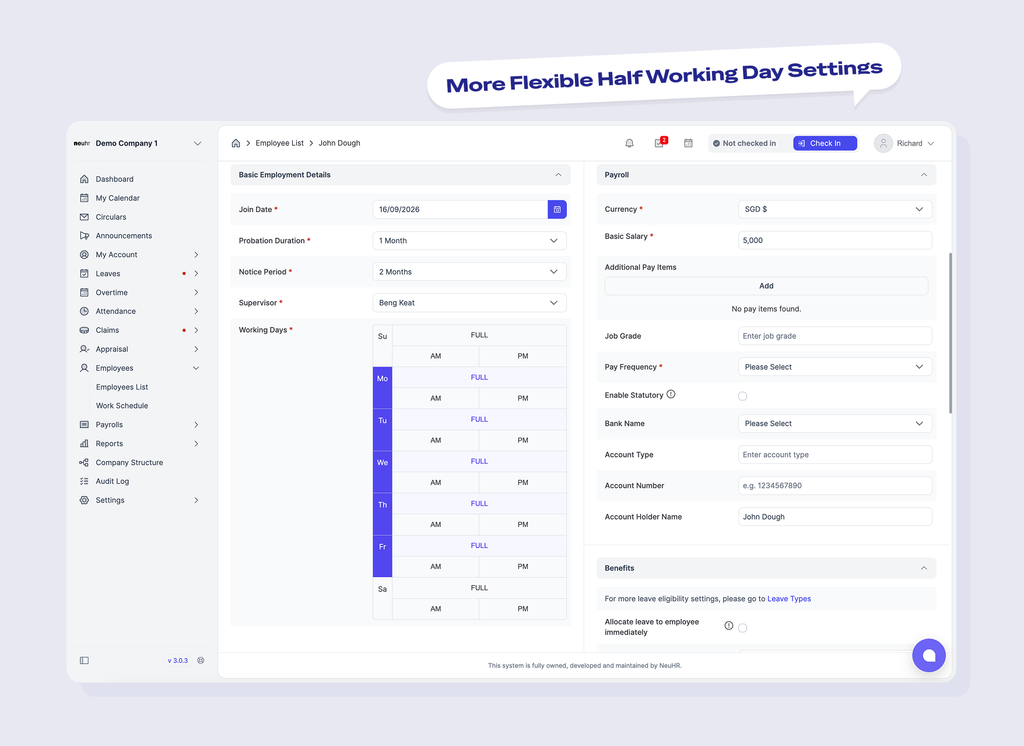
The Working Days picker now includes AM and PM options for half working days.
This update provides additional options when configuring half working days in NeuHR.
Easier Company and Payslip Logo Management
Company logos and payslip logos can now be managed together.
The company creation form has also been updated to display logo options only for plans that include the relevant features.
Payroll and CPF Submission Improvements
NeuHR 3.1.0 includes several improvements to payroll management related features.
CPF Submission Preview
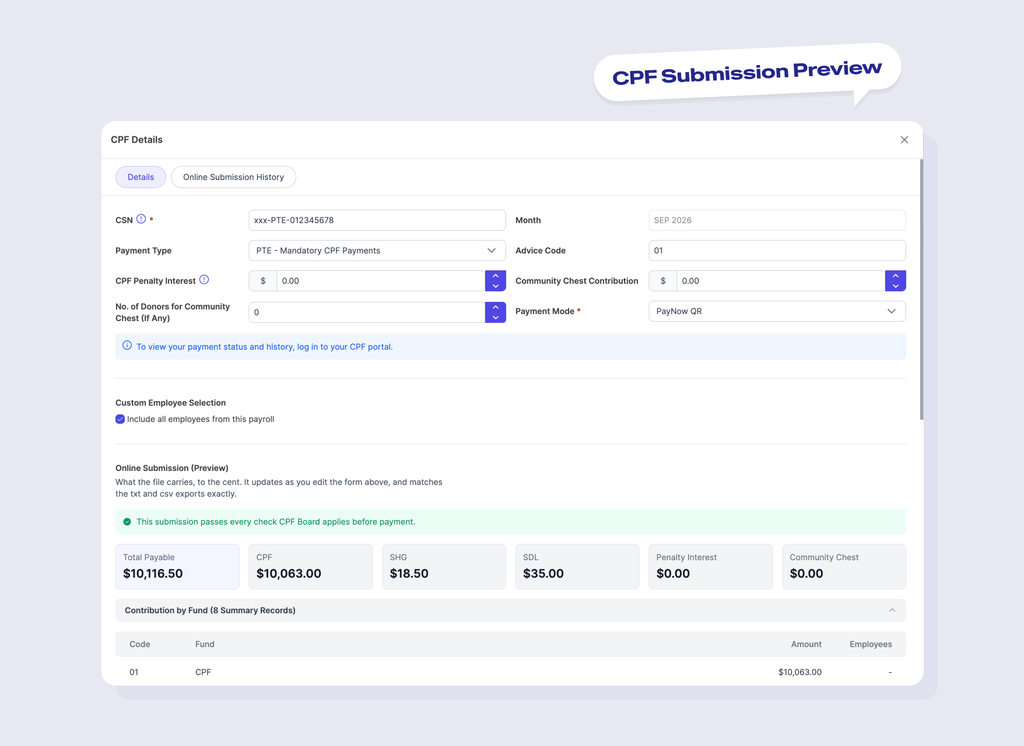
The CPF submission preview now features a cleaner layout, with clearer sections, notices, and totals.
Payslip Display
Payslips now include a space between the bank code and bank account number for improved readability.
Community Donation Calculations
We’ve fixed an issue where community donation amounts could be lost when payslips were recalculated.
Appraisal Improvements
We’ve addressed issues affecting appraisal templates, including duplicate or missing rating levels.
Additionally, Peer Review now appears before Performance Assessments.
A More Consistent User Experience
Several interface improvements have been introduced across the app.
These include:
- Clearer, more user-friendly error messages, including for Google login and sign-up.
- More consistent styling for buttons, tabs, the sidebar, top bar, and links.
- A simplified premium features card with two options: Chat With Specialist and Upgrade My Plan.
- Removal of the previous Request Free Demo button from the premium features card.
A Refreshed NeuHR Favicon
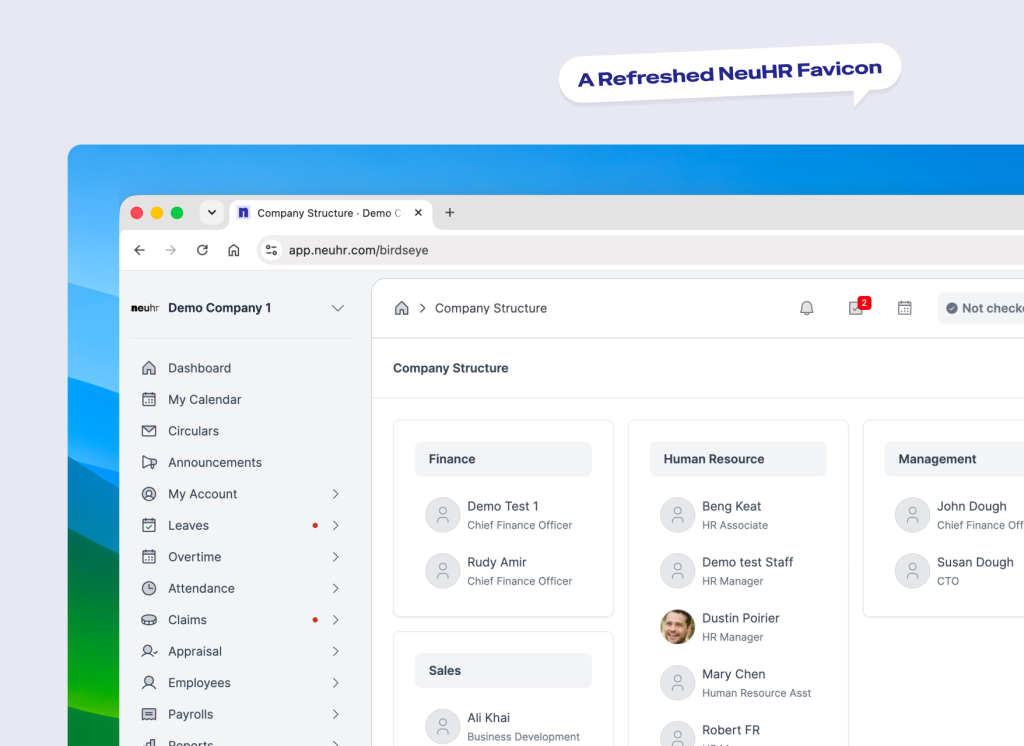
We’ve updated the NeuHR favicon across our website and web app as part of our ongoing efforts to improve the NeuHR experience.
The refreshed icon gives NeuHR a more consistent visual identity across both platforms.
You can spot the new favicon in your browser tabs when visiting the NeuHR website or accessing the web app.
Additional Leave Reporting Fixes
Alongside the new reporting features, we’ve made several fixes to improve leave data handling.
These include:
- Excluding deleted status types from leave balances in active contracts.
- Correcting leave balance and entitlement information in reports.
- Including deactivated employees in leave reports.
- Fixing report failures caused by malformed contract data.
Explore What’s New in NeuHR 3.1.0
NeuHR 3.1.0 brings new clock-in location and device management features, more detailed leave reports, and improvements across leave approvals, payroll, appraisals, and the overall user experience.
For a complete breakdown of all updates, improvements, and bug fixes, check out the NeuHR 3.1.0 changelog.
Have questions about the latest updates? Feel free to ask us a question.